The noticeboard that updates itself.
Schools, TAFEs and universities run on timetables, events and announcements that change daily. Cosmos replaces the printed noticeboard with screens the front office can update in a minute, safely.
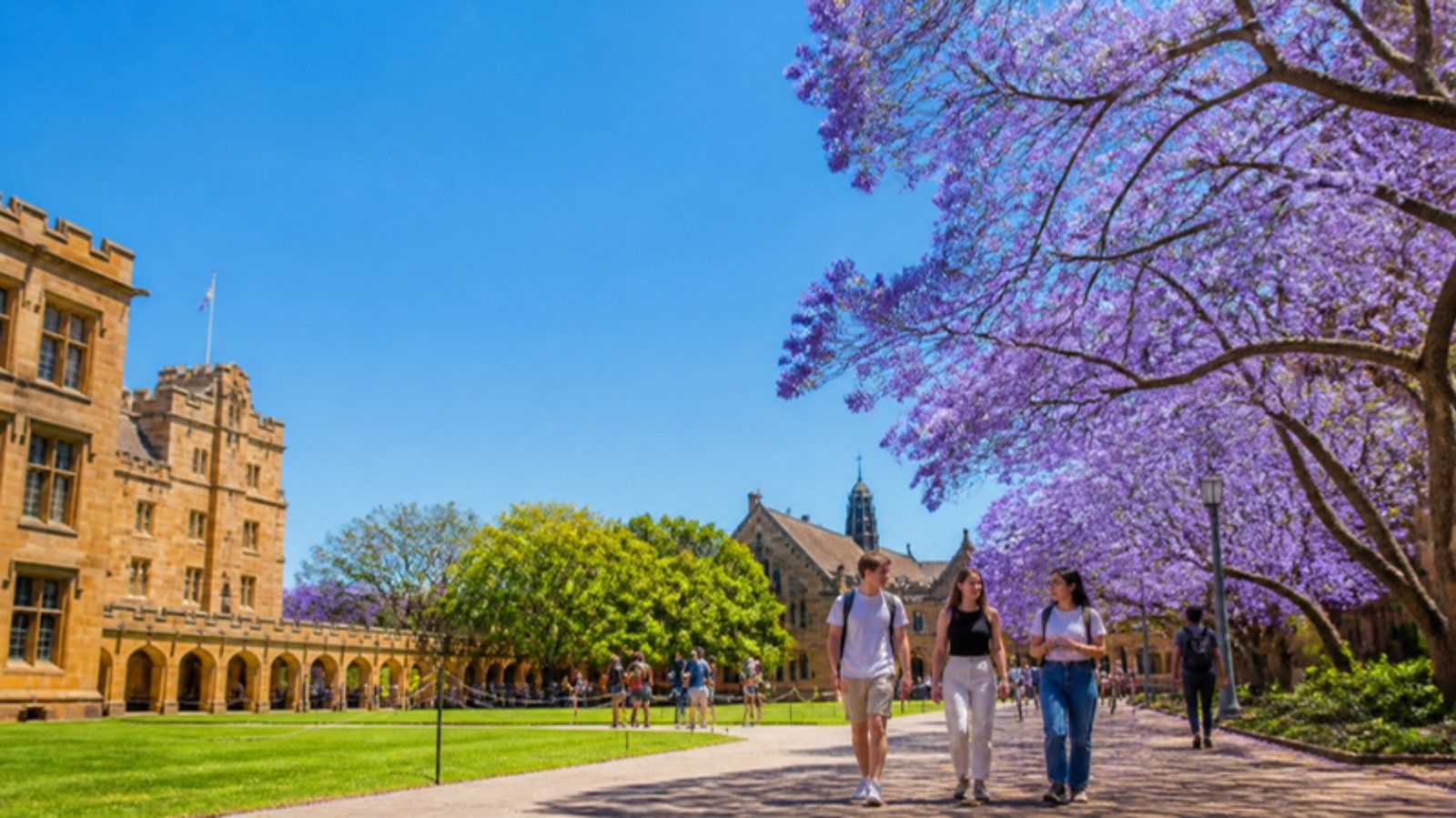
Placement does half the work.
Front office and foyer
Welcome, daily notices, achievements and events.
Library and common rooms
Timetables, study spaces, club news.
Canteen
Menu boards and healthy-eating messages.
Lecture theatres and halls
What is on, where, and emergency messaging with Takeover.
Content that earns the screen its place.
- Daily notices and timetables
- Student achievements and events
- Canteen menus
- Emergency and lockdown messages via Takeover
Built for how education actually runs.
- Working hours per campus: screens power down at 6 pm and over the holidays.
- Takeover for emergencies: one click, every screen, until you release it.
- Schedules for term dates and events, published weeks ahead.
- Content stored on the screen with the Cosmos Android app, so the library screen keeps working through the network maintenance window.
Commercial screens, Cosmos ready.
Every screen below is rated for 24/7 use, has a player built in or attached, and pairs with Cosmos in about a minute. We supply, install and support them across Australia.
Ultra-thin 4K advertising displays 43 to 86 inches
450 nits
Lobbies, showrooms, waiting rooms, menu boards
Timber-framed displays 21.5 to 65 inches
400-2,500 nits
Hospitality, hotels, corporate fit-outs, window-adjacent placement
32-inch interactive touch display
300 nits
Kiosks, directories, feedback, display suites
23.8-inch IP65 touch display
1,000 nits IP65
Food, medical, outdoor-facing and wet areas
Other industries: Retail · Pharmacy · Medical and health · Hospitality · Quick service and cafés · Corporate · Transport and wayfinding · Property and real estate · Fitness and leisure · Automotive
See Cosmos in a education setting.
A 30-minute demo on a video call, or on a screen in your space. No obligation.